
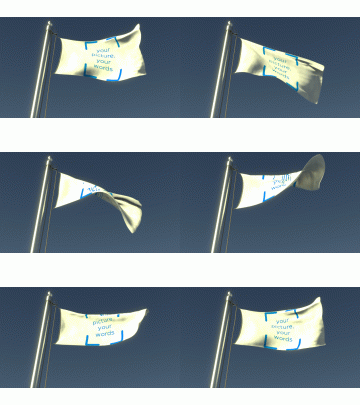

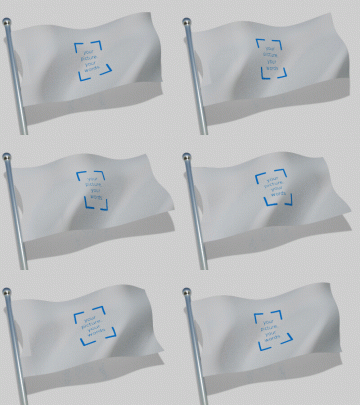
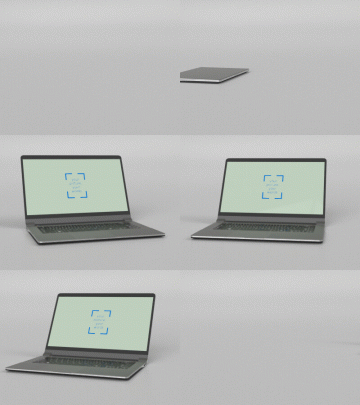

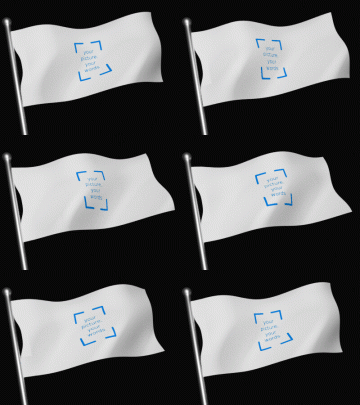
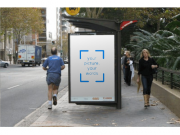


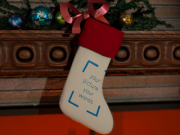
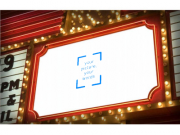
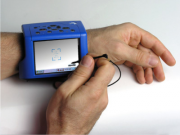
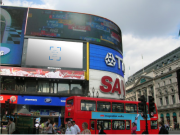
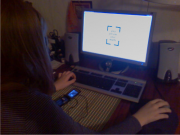

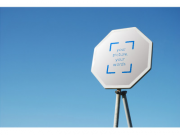
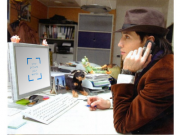

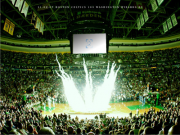

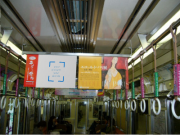
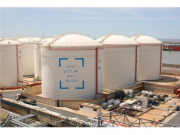
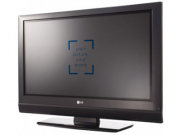
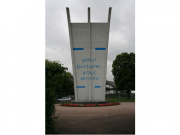
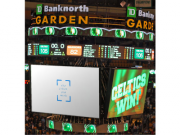
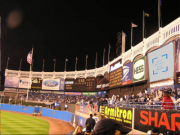
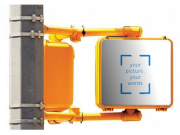
You can insert your picture/words in the Flying Flag design. This is a flag fluttering in the breeze. Here is an example still from this design:
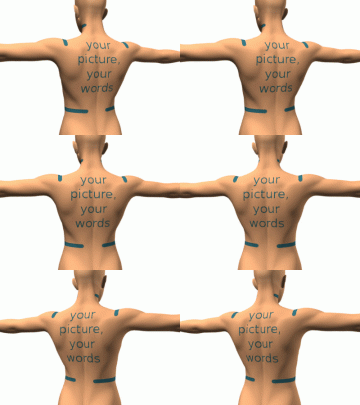
You can insert your picture/words in the Back Tattoo design. This is a view of the back, shoulders, and arms. You can place a tattoo anywhere you like on this surface. Update: this design has been upgraded from a grungy gray to a more human tone. Here is an example still from this design:
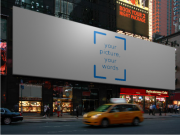
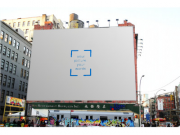
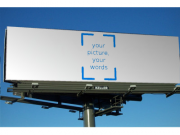
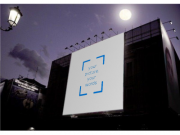
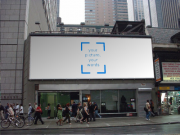
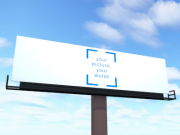
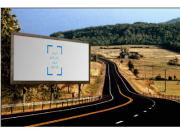
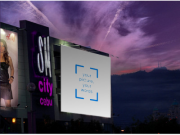
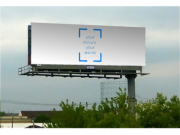
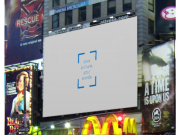
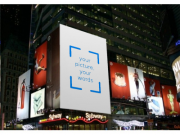
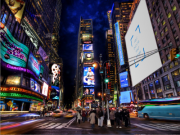
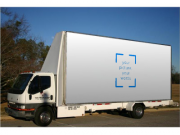
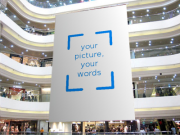
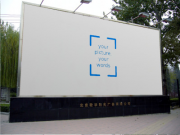
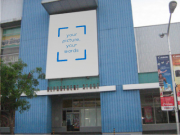
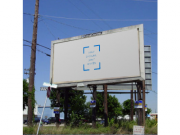
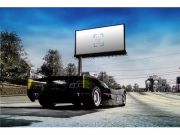
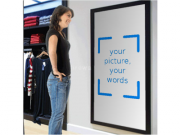
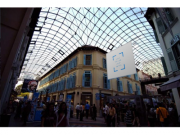
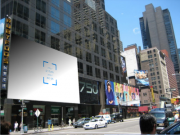
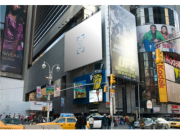
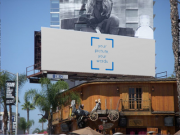
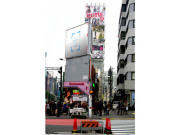
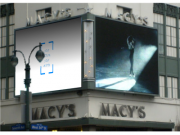
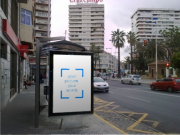
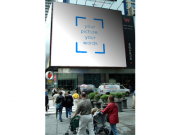
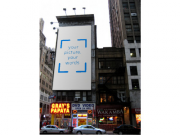
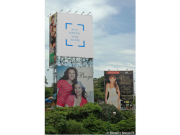
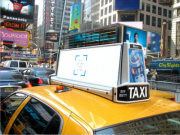
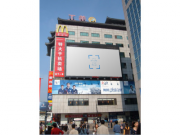
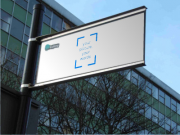
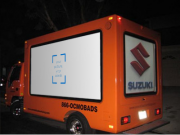
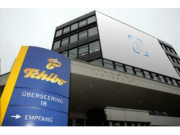
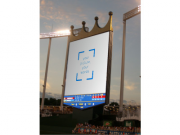
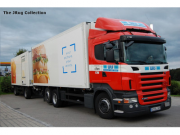
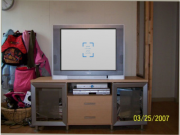
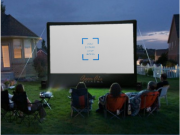
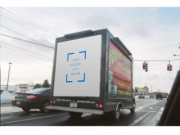
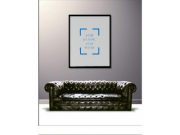
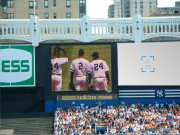
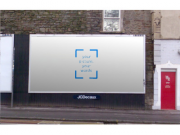
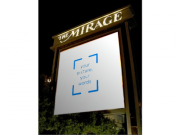
You can insert your picture/words in the Billboard design. This is a billboard in a street scene. Here is an example still from this design:
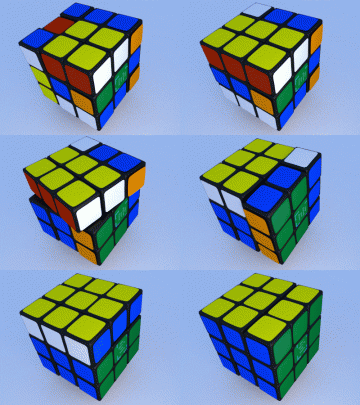
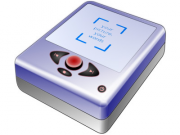
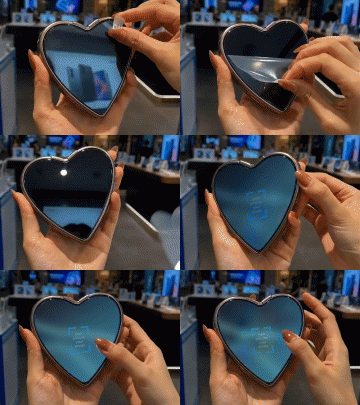
You can insert your picture/words in the Spinning Button design. This is a badge or button, with whatever picture you want on the front. Here is an example still from this design:
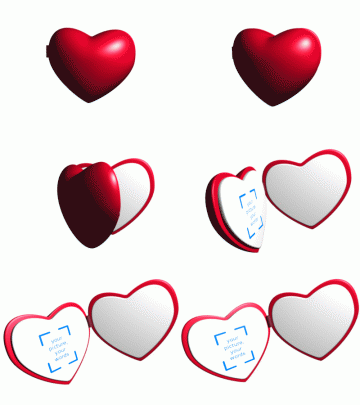
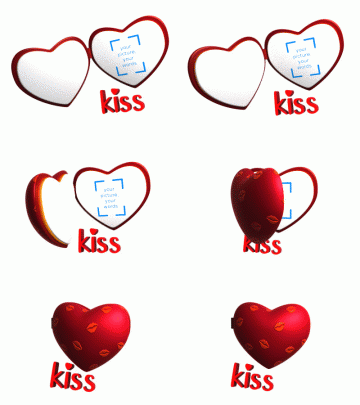
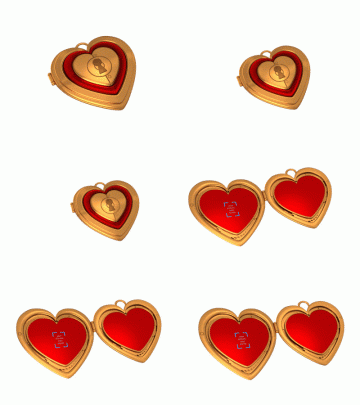
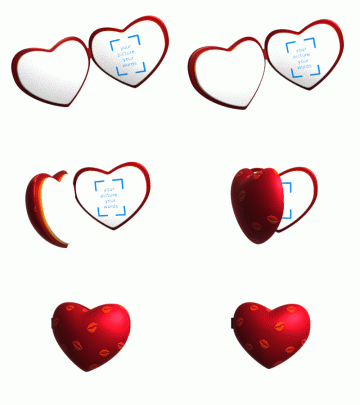
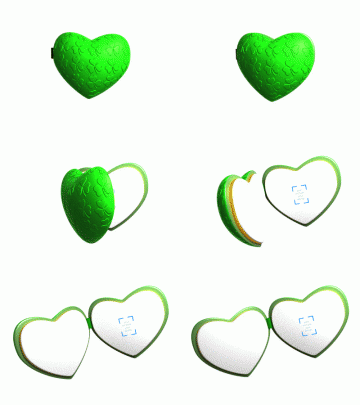
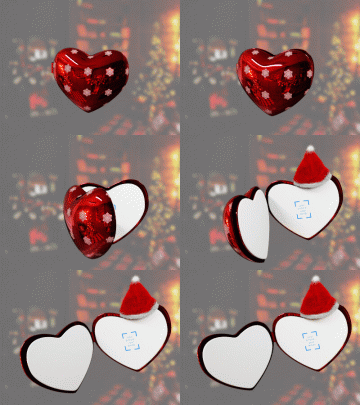
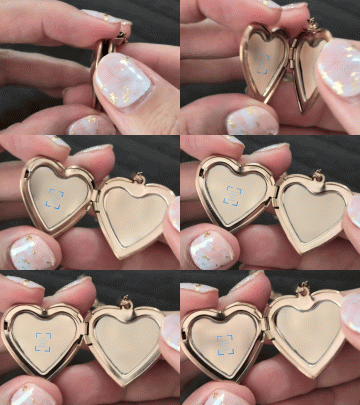
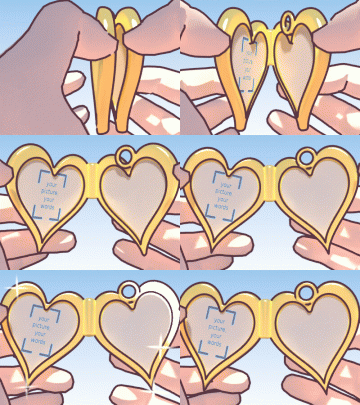
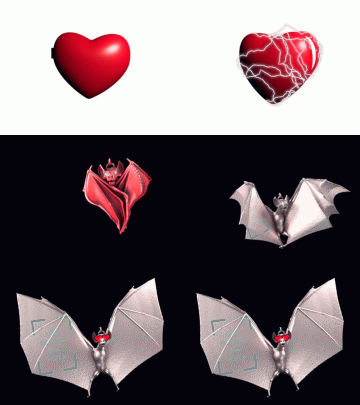
You can insert your picture/words in the Heart Locket design. This is a heart-shaped locket, which opens to reveal whatever you choose to put in it - perhaps two photos of you and your beloved, or a photo and a message. Great for Valentine's day and anniversaries. Here is an example still from this design:
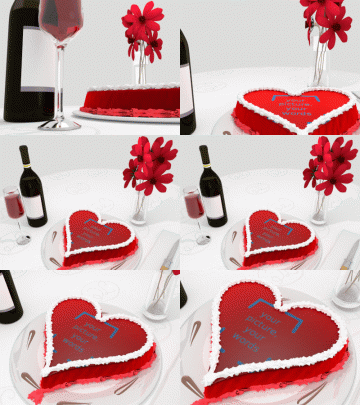
You can insert your picture/words in the Wine Bottles design. This is a pair of wine bottles, labeled as you wish. Here is an example still from this design:
You can insert your picture/words in the Sailboat design. This is a sailboat sailing on the sea. Here is an example still from this design:
You can insert your picture/words in the St Patricks River design. This is the Chicago River dyed green for Saint Patrick's day. The photo is originally by Mathprog777, used here under the terms of the Creative Commons Attribution-ShareAlike 3.0 License. This design may be used under the same terms. Here is an example still from this design:
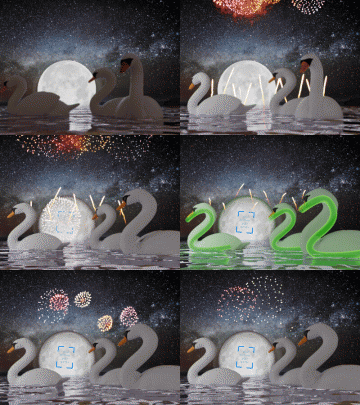
You can insert your picture/words in the Valentine design. This is a shower of hearts against the rising sun, which morphs into a message or picture. Great for Valentine's day and anniversaries (other ideas). Here is an example still from this design:
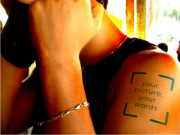
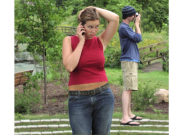
You can insert your picture/words in the Shoulder Tattoo design. This is an arm with a tattoo. You can make the tattoo from a picture that is white everywhere you want skin to show, and dark where you want the tattoo. Here is an example still from this design:
You can insert your picture/words in the Guitar design. This is a spinning guitar, with your choice of images and text on its front and back. Common choice: a picture of someone on the front, and the text 'you rock' on the back. The guitar is from the Blender Model Repository, and was originally created by Sebi as far as I can tell. Here is an example still from this design:
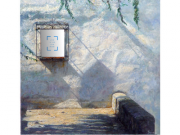
You can insert your picture/words in the Card on Column design. This is a simple zoom-in on a card perched on a column. Adapts a column design by Kator Legaz. Here is an example still from this design:
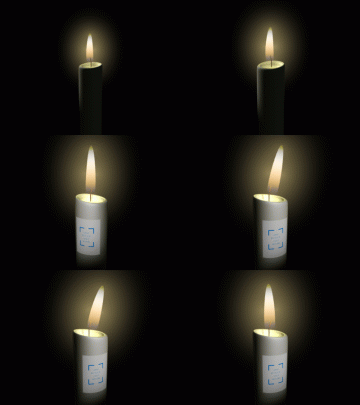
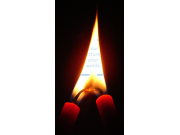
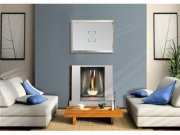
You can insert your picture/words in the Candle design. This is a flickering candle. The candle was created originally by Nathan Dunlap. Here is an example still from this design:
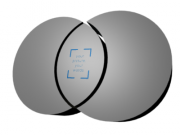
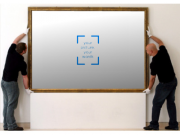
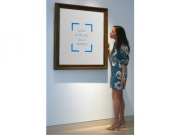
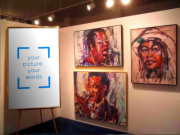
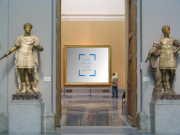
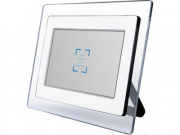
You can insert your picture/words in the Photo Museum design. This is a pair of paintings hanging side by side in a museum. You control their content. Here is an example still from this design:
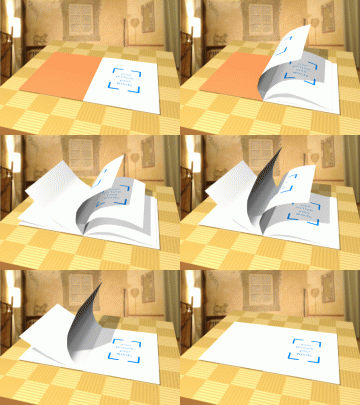
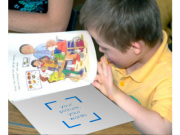
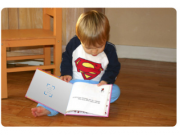
You can insert your picture/words in the Book design. This is a book with a custom cover. Here is an example still from this design:
You can insert your picture/words in the Jack O Lantern design. This is a Jack-o-Lantern for Halloween that you can carve with a picture or text. Light parts of the picture will not be carved, dark parts will be. The house in the background is from Kator Legaz, used under a creative commons license. Here is an example still from this design:
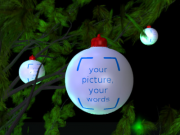
You can insert your picture/words in the Christmas Tree design. This is a Christmas Tree animation with an illuminated ornament that shows whatever picture or words you want. The tree is from Yorick's Blender Greenhouse, used under a creative commons license. Thanks Yorick!. Here is an example still from this design:
You can insert your picture/words in the Christmas Ornament design. This is an illuminated ornament that shows whatever picture or words you want. Here is an example still from this design:
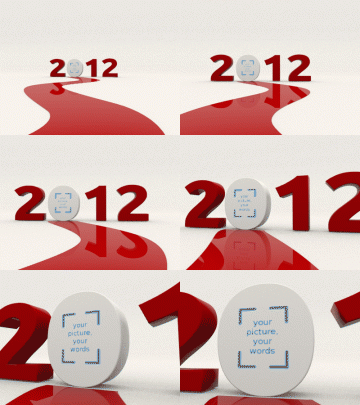
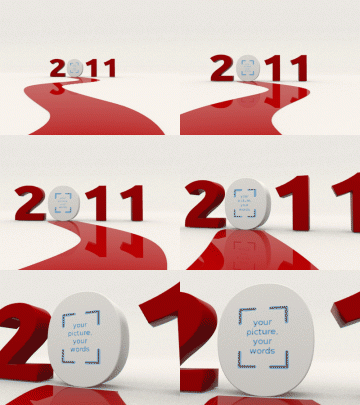
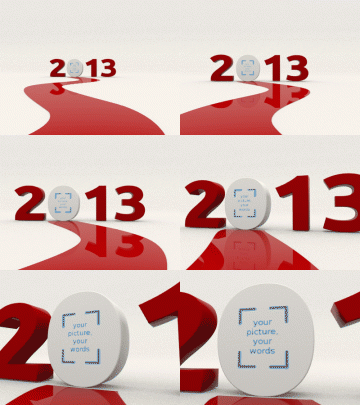
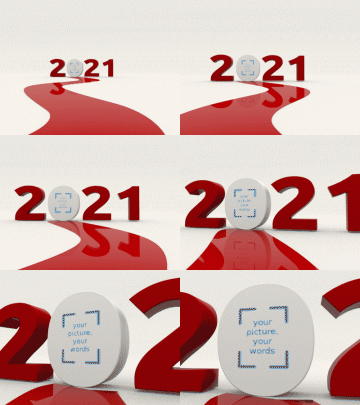
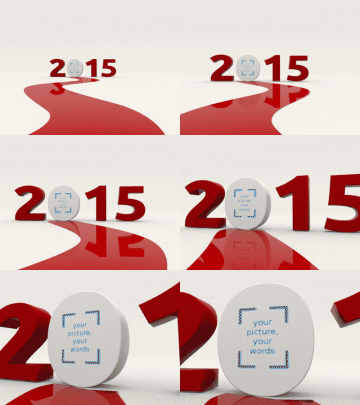
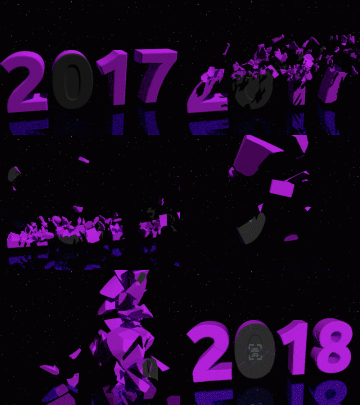
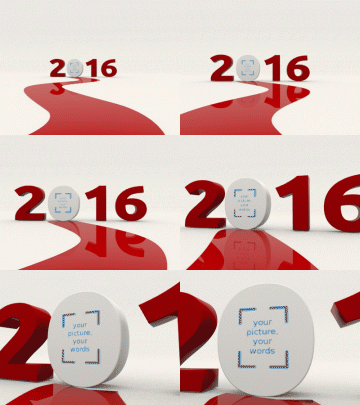
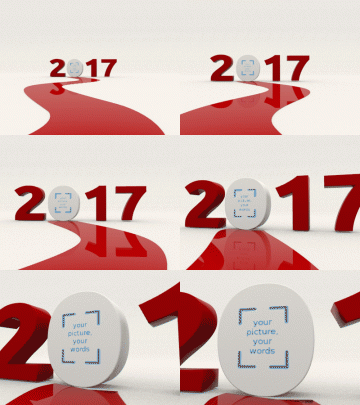
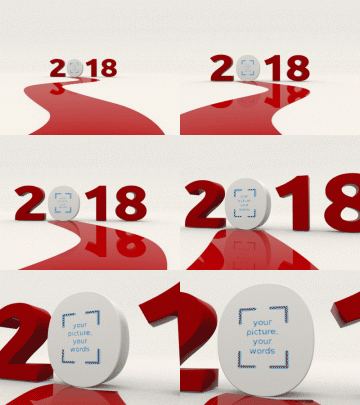
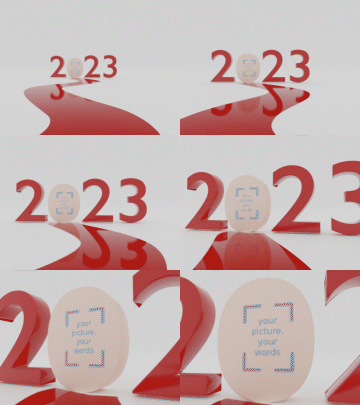
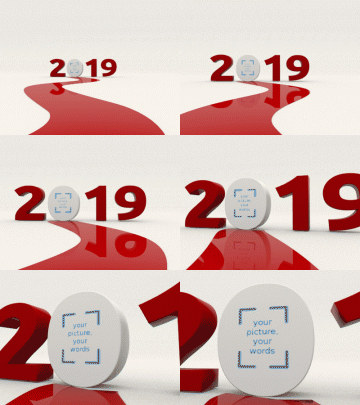
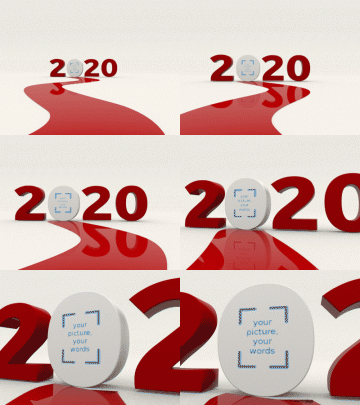
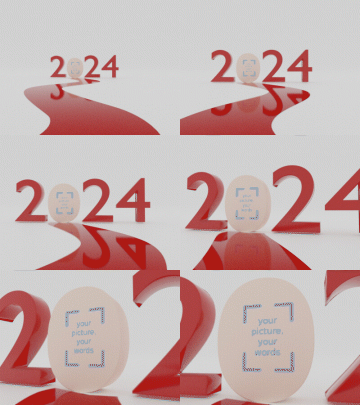
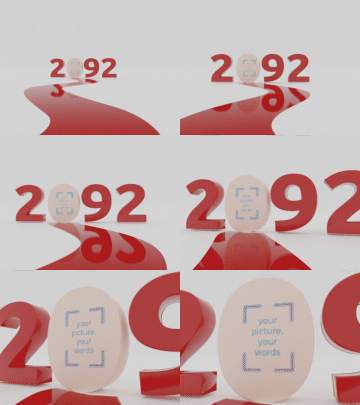
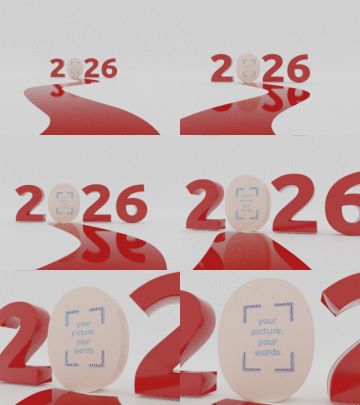
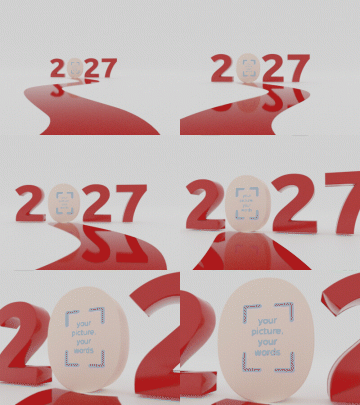
You can insert your picture/words in the New Year 2009 design. This is a new year scene, with the number 2009 containing your photo or message. Happy New Year!. Here is an example still from this design:
You can insert your picture/words in the Hip Tattoo design. This is a tattoo just above the hips. Photo by bjornmeansbear, used here under a creative commons license. Our modifications are available under the same license. Here is an example still from this design:
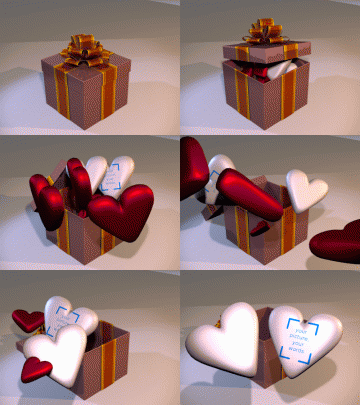
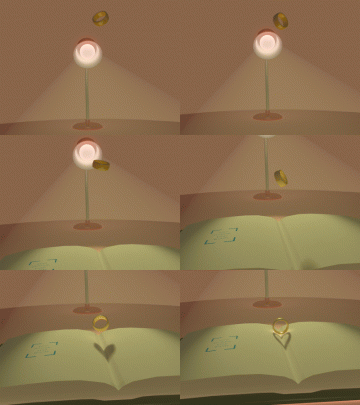
You can insert your picture/words in the Pot of Gold design. This is a crock of gold at the end of a rainbow, full of gold coins with your loved one's face on them (or whatever you want). Here is an example still from this design:
With the Picture Mixer, you can merge pictures and text into 3D scenes such as billboards or fluttering flags.
The Picture Mixer can help you get started using Blender (a free and open 3D graphics tool) to make interesting pictures and animations.
We collect basic 3D designs and let you customize them and preview the results quickly online. When you are happy with how things are set up, we'll run blender and generate a nice high-quality result for you. If you would like to try your hand at Blender yourself, you can download the design and play around with it as you like. If you're just learning how to use Blender, check out our Blender Tips.
Are you a blender guru? Want to showcase some of your designs here? We'd love to hear from you! Read about our Blender Generator of Generators.
Website (C) 2010 makesweet.com, some rights reserved.
Home Page /
FAQ /
Site Map /
Privacy Policy /
Contact Us
