























Audio in designs
noone:
absolutely nobody:
makesweet: WE ADDED A MIC, YOU HAVE TO SING NOW
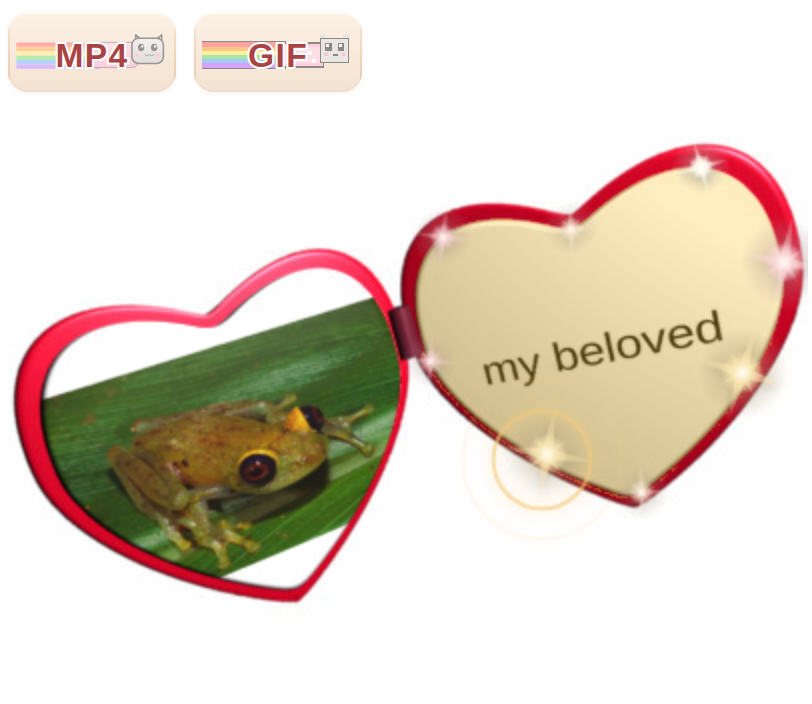
The first film with sound, the first talkie, was in 1927. Now, 99 years later, we're proud to announce a perhaps greater revolution: talkie makesweets! Don't be scared. Set up your design the way you always have. For example, here's a frog, with the words "my beloved" on the other side, for obvious reasons.
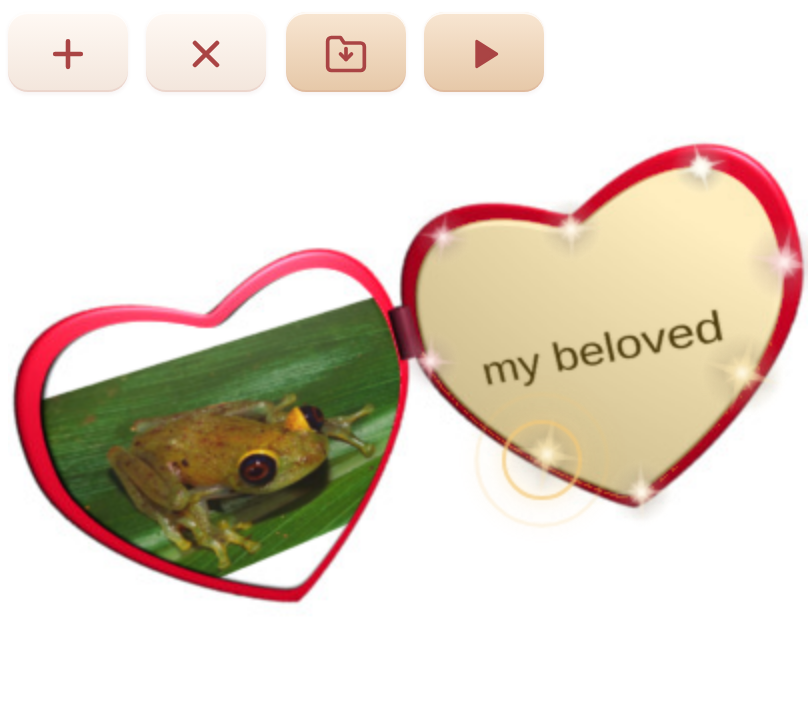
Tap the orange play triangle at the top. You'll be asked whether you want an MP4 or a GIF. Pick MP4. That's a movie format, which is key to having sound. GIFs can't have sound, though it kills me to admit it. Is there really no way. No. But maybe. NO JUST ACCEPT IT AND MOVE ON.
Your MP4 renders the same way it always has. When it's ready, a mic + button shows up in the top bar, right next to the download icon. Tap it. That's what opens the recording strip:
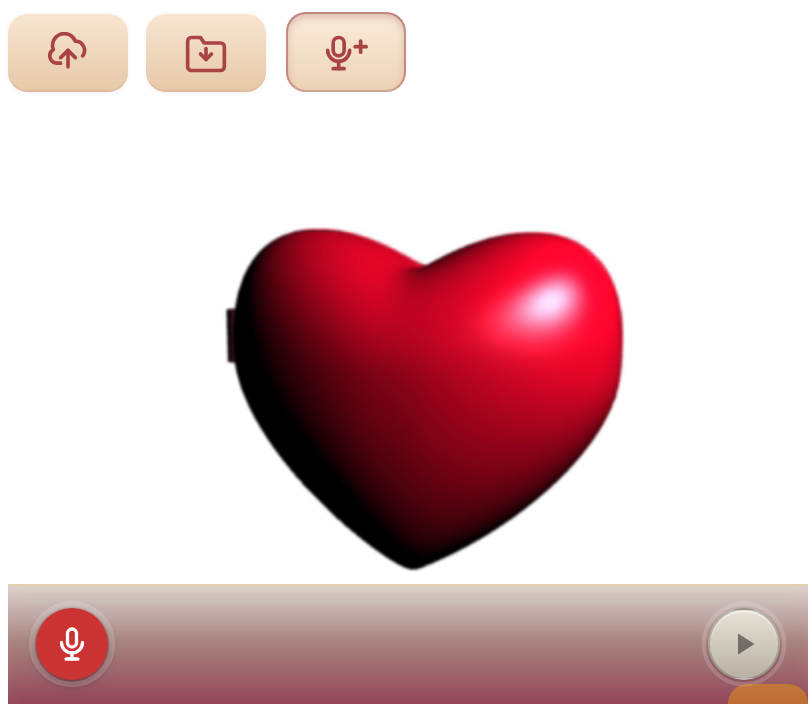
Tap the red mic. The video starts looping, the mic listens, and the recording runs for one full pass of the animation. Just sing, talk, hum, whatever you want to do, and it'll wrap up when the loop wraps up.
Tap the mic again to do another take. If you want, in the "3 2 1" countdown, you can click the headphones icon so you can hear your previous recording(s) while recording another layer. Only do that if you are actually wearing headphones though, or the echo will be obnoxious. However you do it, each recording shows as a little wavey chip.
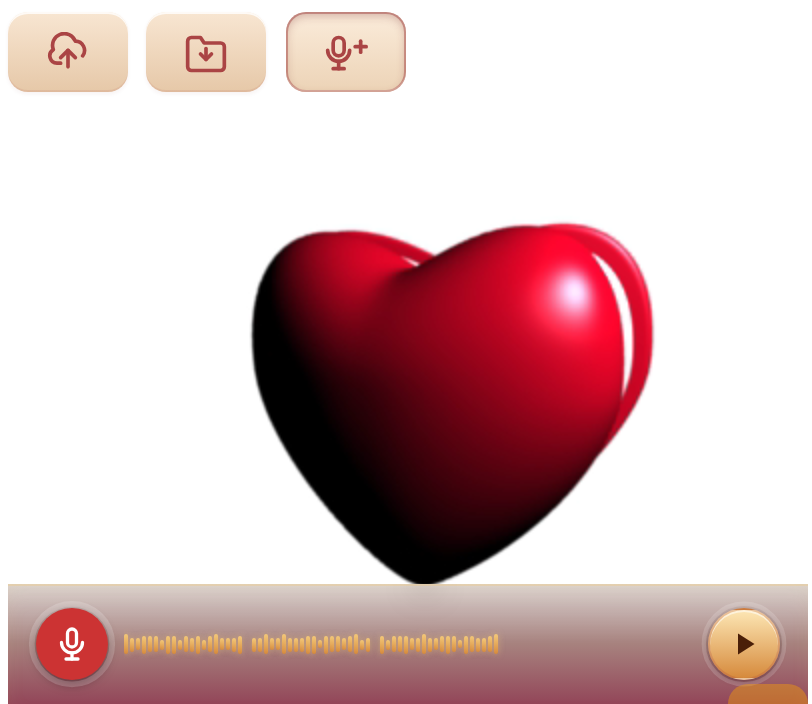
Recprdings play on top of each other. So you can sing the tune the first time, hum a harmony the second time, clap on the third, and they all play together at the end. Tap a chip to pick it. A few little controls pop up: a numbered slider, a mute button, and an × to throw the recording away:
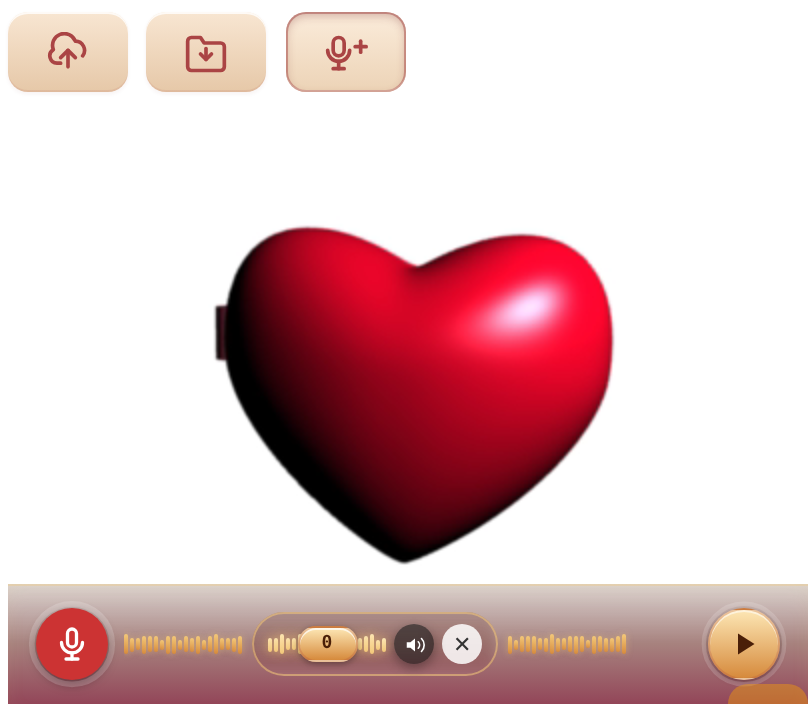
The numbered slider is the one to know about. The mic doesn't always start the instant you tap it, and the little wait isn't the same every time. Even a small gap is enough to make two recordings sound out of time when they play together. Drag the slider left or right to nudge a take a touch earlier or later, until everything lines up.
Muting greys out a recording without throwing it away. Handy when you've got three versions of the same bit and want to flip between them to find the one that fits:
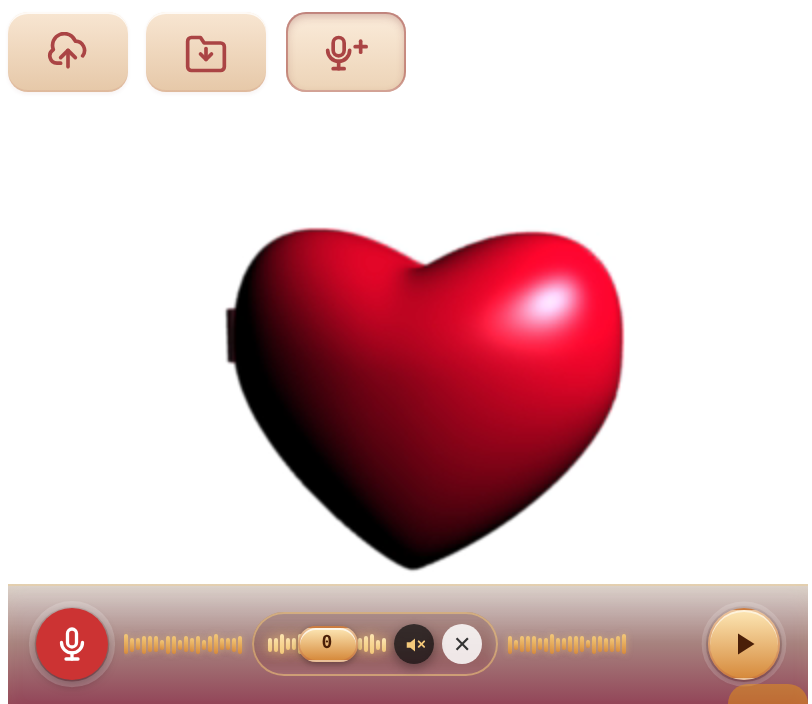
When the recordings sound the way you want, tap the gold play button on the right. It mixes everything together and folds the audio into your MP4. Tap it again to play.
Wow. Did you ever think. What a time.